Make the gear visible
Show the camera body and lens alongside the final image so the technical story travels with the photo.
Shot on camera watermark
FrameShot helps you create a tasteful shot-on-camera mark that feels built for photographers instead of a generic logo stamp.
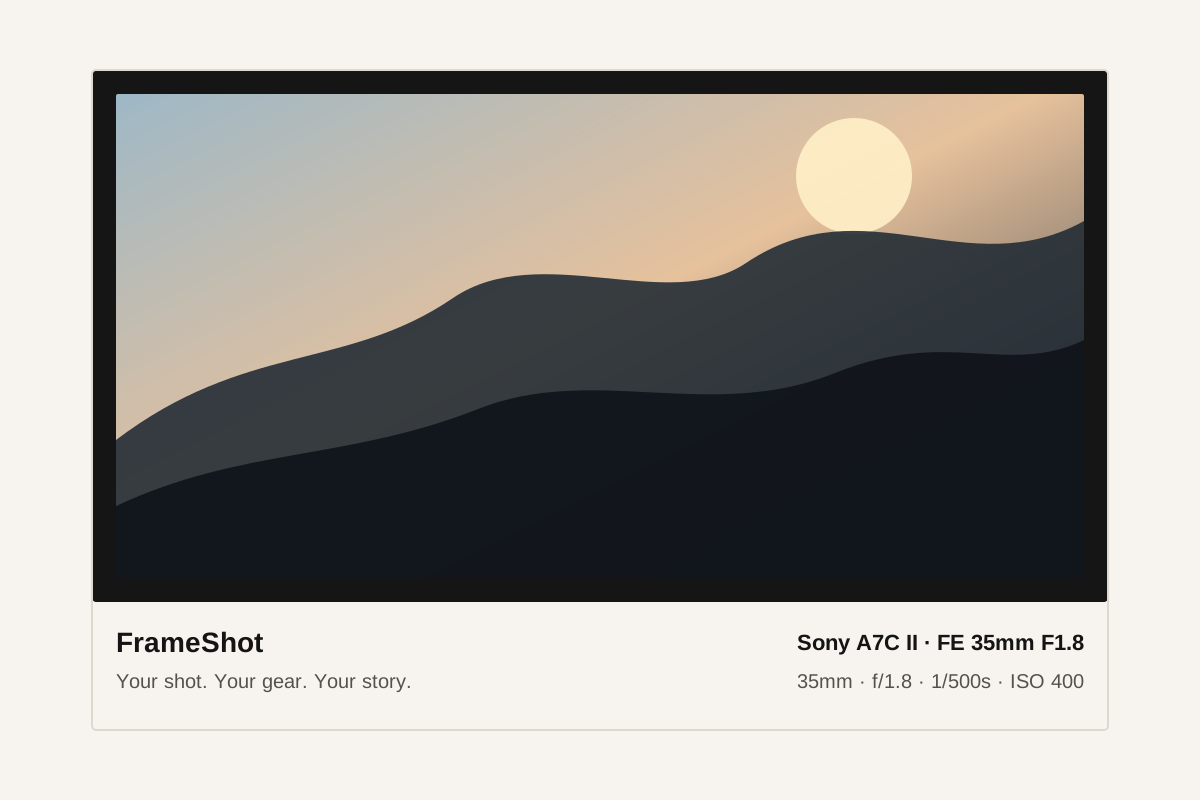
Show the camera body and lens alongside the final image so the technical story travels with the photo.
Camera reviewers, educators, and creators can publish examples where the gear and exposure settings are immediately visible.
The watermark workflow is free and runs locally in the browser.
Yes, when the image contains EXIF data, FrameShot can read the camera model and lens automatically.
Exports can include a small FrameShot mark so people can find the tool, while the main frame focuses on your camera metadata.
Yes. It is especially useful when publishing samples where viewers care about the body, lens, and exposure settings.