A watermark for camera data
Traditional watermarks show ownership. EXIF watermarks show technique. They help viewers understand the settings behind the image without cluttering the caption.
EXIF watermark tool
Use FrameShot when you want the watermark to show how the image was made: the camera, lens, exposure settings, and capture details that matter to photographers.
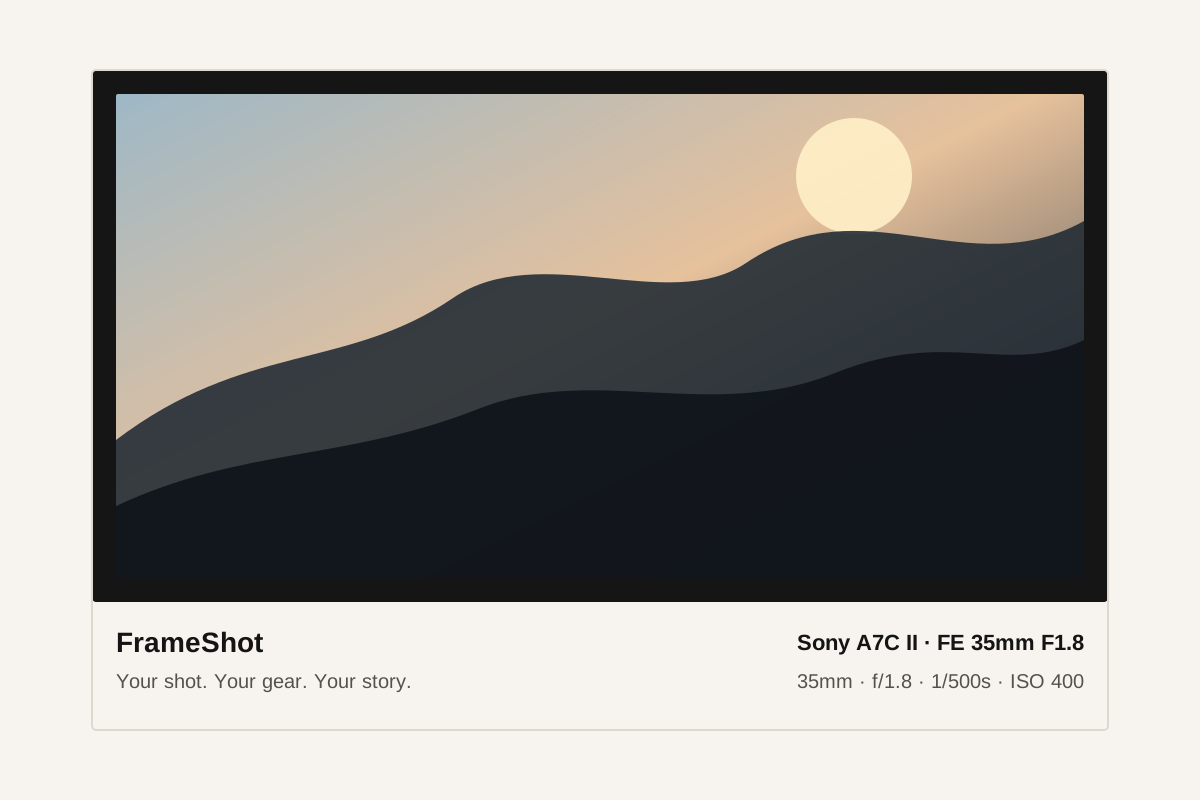
Traditional watermarks show ownership. EXIF watermarks show technique. They help viewers understand the settings behind the image without cluttering the caption.
FrameShot avoids the slow manual workflow of typing camera details into Canva, Photoshop, or Lightroom overlays for every export.
Social apps and messengers sometimes strip EXIF data. FrameShot keeps the fields editable so you can still create a clean overlay manually.
No. A logo watermark marks ownership, while an EXIF watermark displays shooting information such as camera, lens, aperture, shutter speed, ISO, and focal length.
Only when a selected style uses it. GPS coordinates are read locally, may be reverse geocoded in the browser, and remain editable before export.
Yes. FrameShot supports JPEG and PNG export from the browser.