Great for educational posts
Photography educators can show exposure decisions directly under the image, making tutorials easier to scan and reuse.
Camera settings overlay
FrameShot turns the invisible data inside your image into visible camera settings on the final export, with no account and no cloud processing.
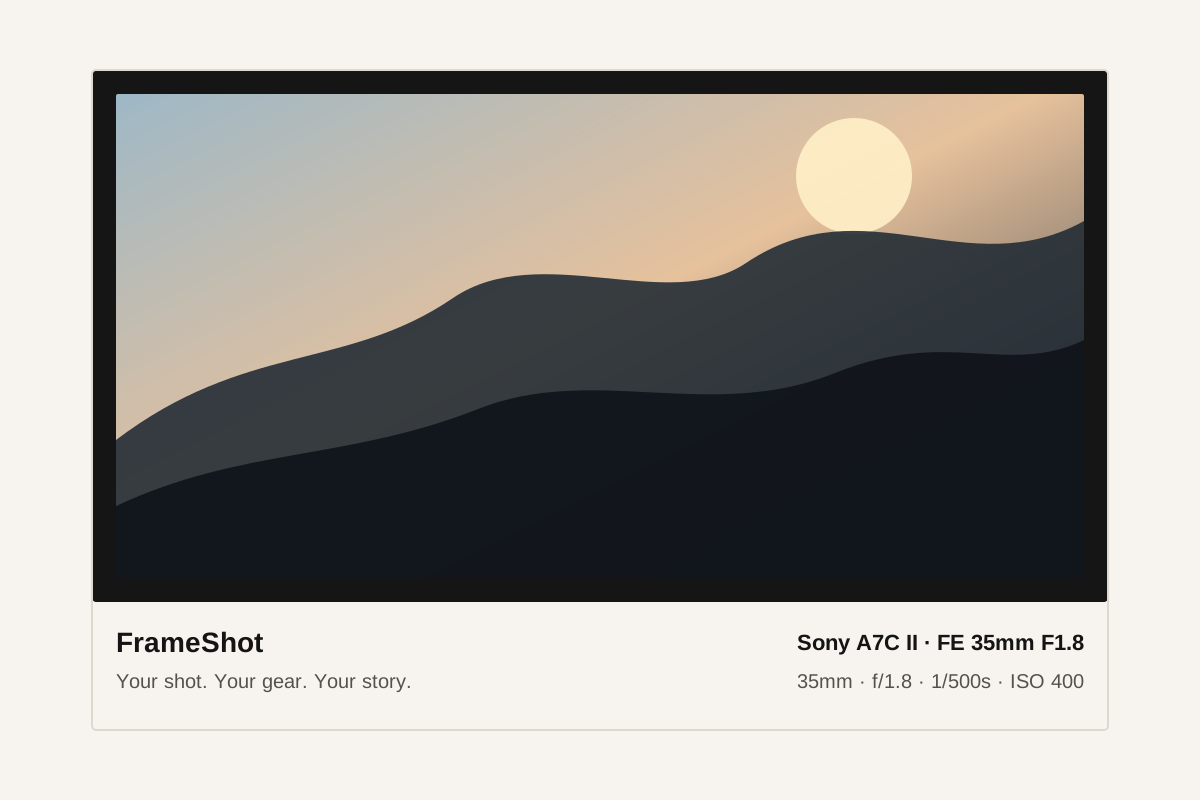
Photography educators can show exposure decisions directly under the image, making tutorials easier to scan and reuse.
Instead of typing settings into captions, export a framed photo that carries the important details with the image itself.
If a field is missing, use the editor to type the value before exporting the frame.
FrameShot can display camera model, lens model, aperture, shutter speed, ISO, focal length, exposure compensation, white balance, and capture time when available.
No. FrameShot runs in the browser as an online tool.
Yes. Phone photos can be used when the browser can read the image file and available metadata.