Back to FrameShot

EXIF Frame alternative

A modern alternative to basic EXIF frame tools

If a basic EXIF frame tool feels too rigid, FrameShot gives you a more polished browser workflow while keeping the same simple promise: upload a photo, show the camera settings, download the result.

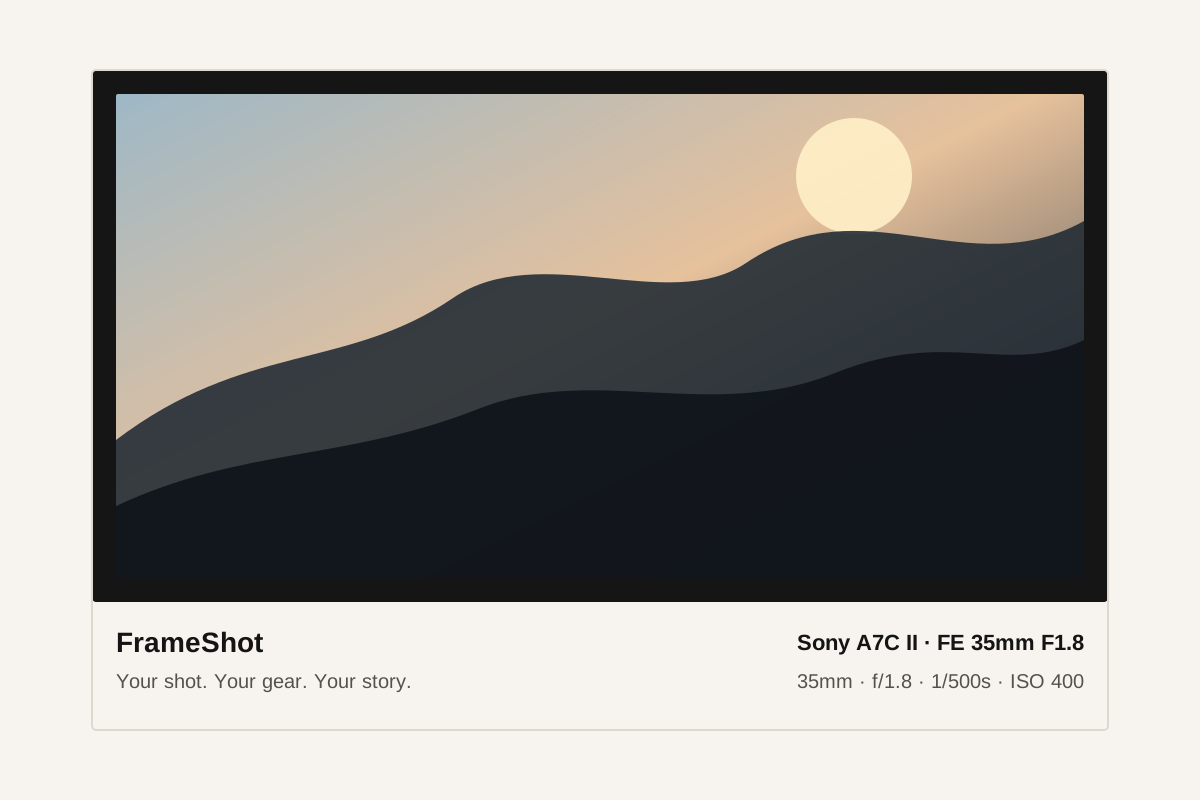
Example FrameShot EXIF frame showing camera settings below a photo

Where FrameShot is different

FrameShot focuses on multiple visual styles, editable fields, privacy-first local processing, and a clean editor experience for repeat use.

  • Multiple frame styles
  • Editable metadata fields
  • JPEG and PNG export
  • No account or upload requirement

Compared with Canva or Photoshop

Manual design tools are powerful, but they require typing settings, managing templates, and exporting by hand. FrameShot is better for the repeat workflow of adding camera settings to many photos.

Compared with rigid EXIF tools

Single-template tools can work for quick posts, but FrameShot gives photographers more control over the final presentation.

WorkflowBest forTradeoff
FrameShotFast EXIF frames with editable metadataFocused on frames, not full image editing
Canva or PhotoshopCustom brand templates and complex designManual typing and slower repeated exports
Basic EXIF frame toolsSingle-template quick exportsLess control over style and missing fields

Common questions

Is FrameShot free?

Yes. The current FrameShot workflow is free to use.

Does FrameShot replace Photoshop?

No. Photoshop is a full image editor. FrameShot is purpose-built for fast EXIF frame and camera settings overlay exports.

Why use FrameShot instead of a manual template?

FrameShot can read metadata automatically, keep fields editable, and render export-ready frames much faster than rebuilding a template manually.