Back to FrameShot

Free EXIF frame generator

Create a clean EXIF frame for any photo

FrameShot reads the camera settings already embedded in your image and turns them into a polished frame that is ready for Instagram, portfolios, tutorials, and community posts.

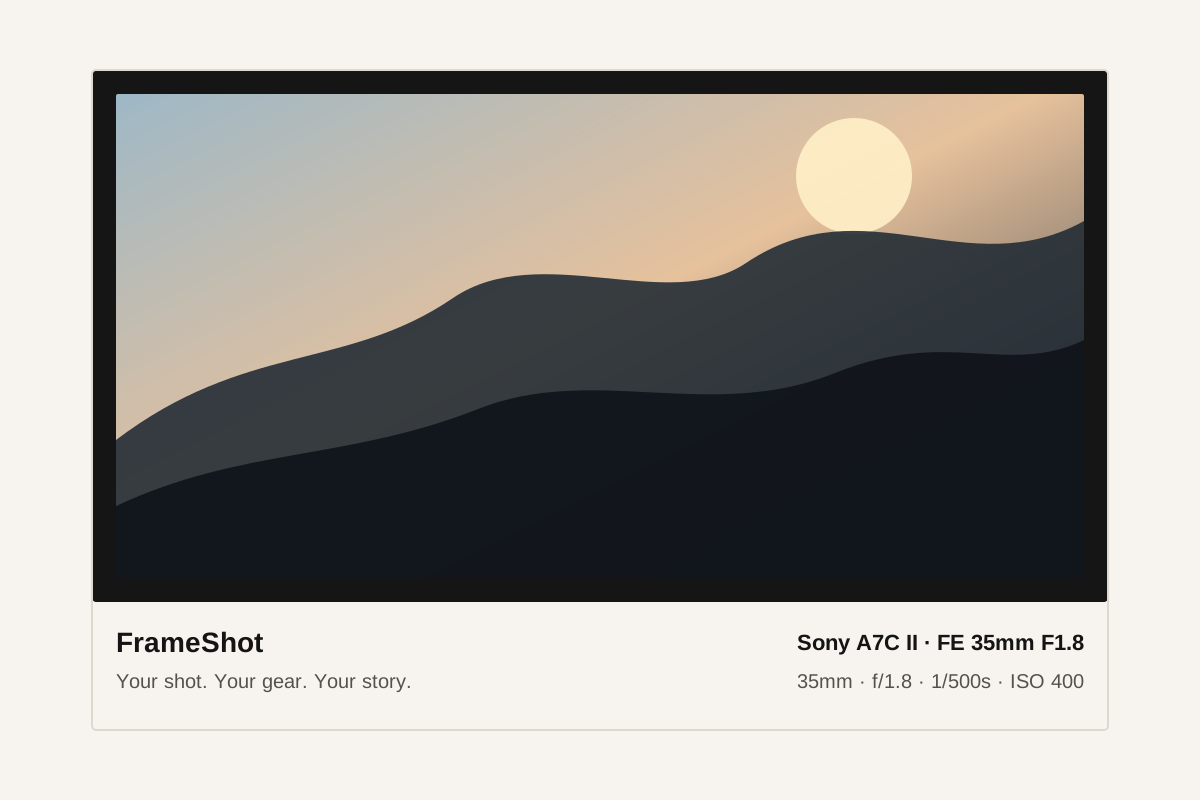
Example FrameShot EXIF frame showing camera settings below a photo

Built for photographers, not form filling

Upload a JPEG, PNG, or HEIC file and FrameShot extracts the useful shooting details automatically. Missing fields stay editable so screenshots and exported social images still work.

  • Camera body and lens
  • Aperture, shutter speed, ISO
  • Focal length, exposure compensation, white balance
  • Capture date and optional local GPS fields

Private by design

The photo is processed locally in your browser. FrameShot does not need a user account, cloud upload, or server-side photo processing to create the export.

Style options that look shareable

Choose from clean editorial layouts, signature frames, minimal line styles, vintage treatments, and camera-inspired designs without rebuilding the graphic manually.

Common questions

What is an EXIF frame?

An EXIF frame is a photo border or layout that displays camera metadata such as camera model, lens, aperture, shutter speed, ISO, focal length, and capture date.

Does FrameShot upload my photo?

No. FrameShot processes photos in the browser and generates the framed export on your device.

Can I edit the camera settings before exporting?

Yes. Extracted EXIF fields can be edited, and missing fields can be filled manually before downloading.