Step 1: Export or choose your image
Use the original camera file or a high-quality export from your editing app. Social downloads may have stripped metadata.
Photography workflow
The easiest workflow is to use the metadata already inside the file, review the extracted fields, choose a frame style, and export the final image.
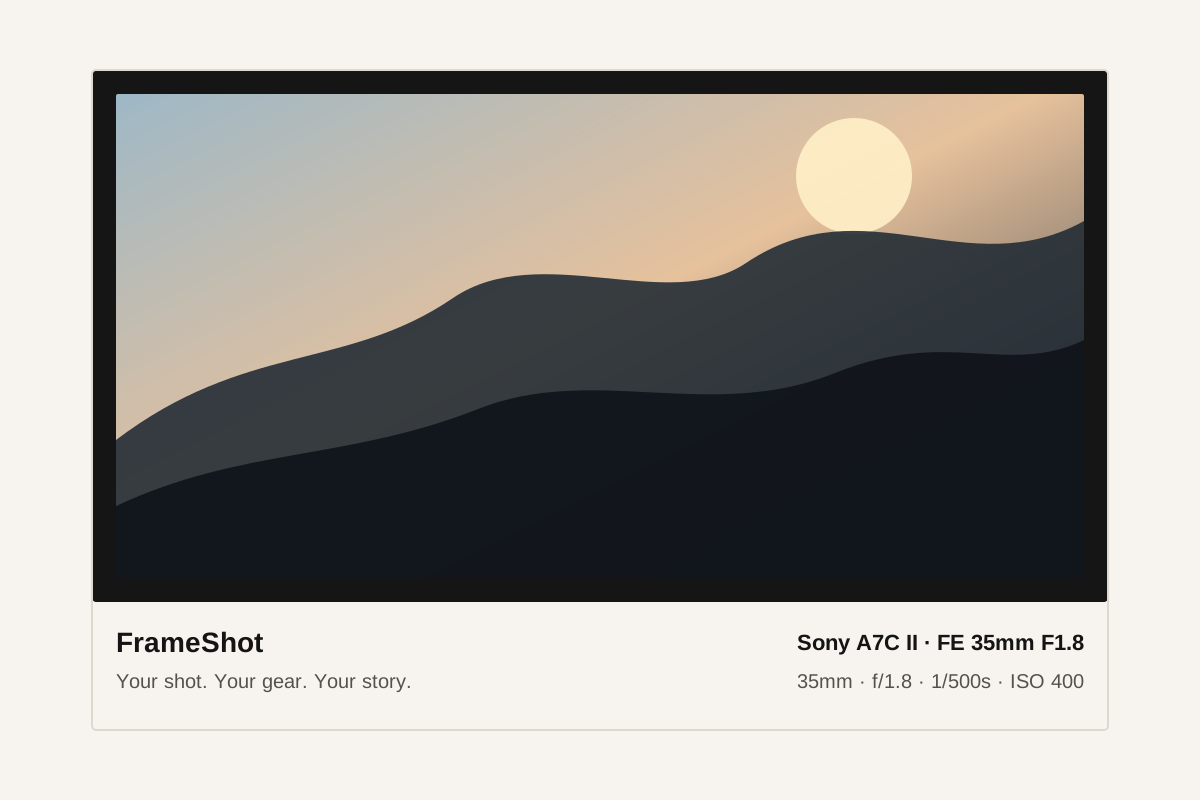
Use the original camera file or a high-quality export from your editing app. Social downloads may have stripped metadata.
FrameShot reads the available camera settings in your browser and opens the editor with a preview.
Check the camera fields, fill anything missing, pick a visual style, then export as JPEG or PNG.
They may have been removed by an export setting, messaging app, screenshot workflow, or social platform.
Yes. FrameShot lets you edit or fill fields before exporting.
For most posts, show camera, lens, aperture, shutter speed, ISO, focal length, and capture date.