Readable overlays for real posts
The frame styles are designed to keep metadata legible while preserving the photograph as the main subject.
Camera settings overlay
A camera settings overlay helps viewers learn from your photo without leaving the image. FrameShot creates that overlay from your file metadata and lets you adjust the layout before export.
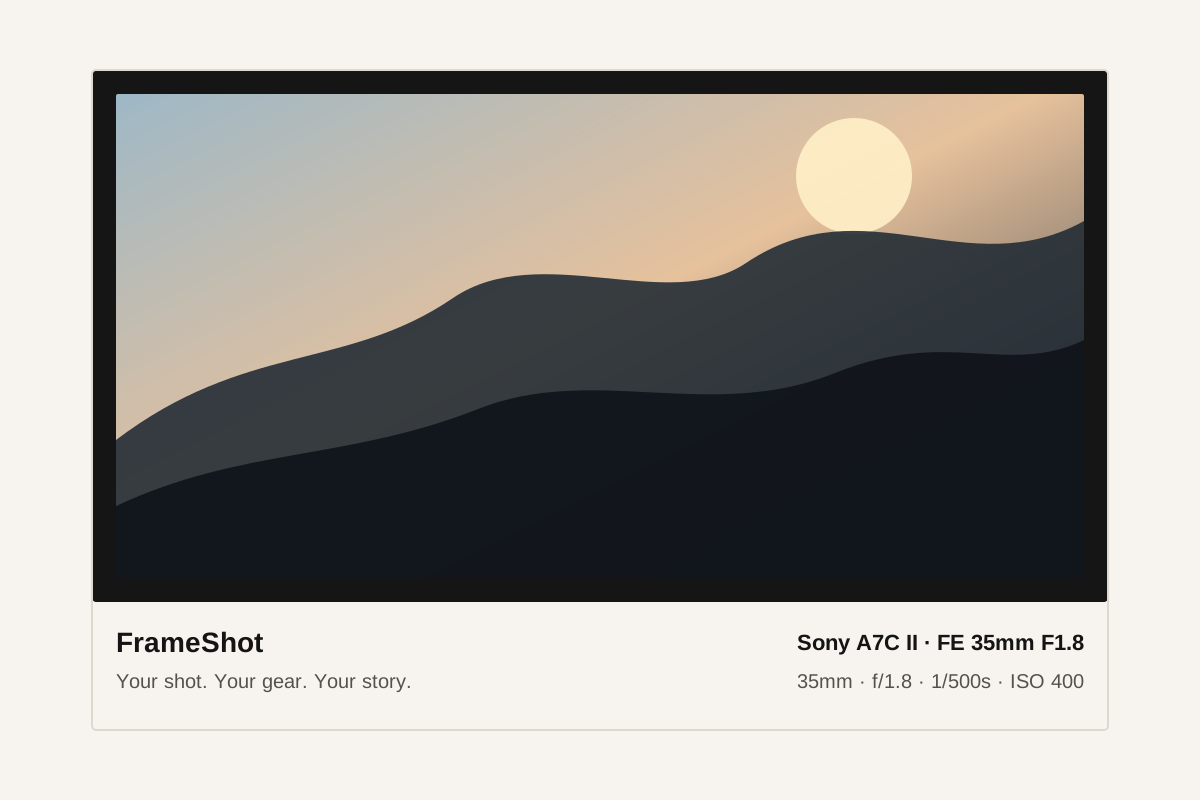
The frame styles are designed to keep metadata legible while preserving the photograph as the main subject.
Upload, review, style, and download without building a new design file for every image.
The overlay is rendered with Canvas on your device, which keeps the flow private and quick.
Yes. Seeing aperture, shutter speed, ISO, and focal length next to the image gives viewers context about the exposure and composition choices.
FrameShot lets you adjust metadata display in the editor so the final overlay can stay clean.
No. FrameShot can work with many image sources as long as the browser and metadata reader can access the file data.