Metadata that belongs on the image
FrameShot focuses on the details photographers actually share: camera, lens, exposure settings, focal length, white balance, and date.
Photo metadata overlay
Photo metadata is useful, but most viewers never see it. FrameShot gives that information a simple, designed place in the final image.
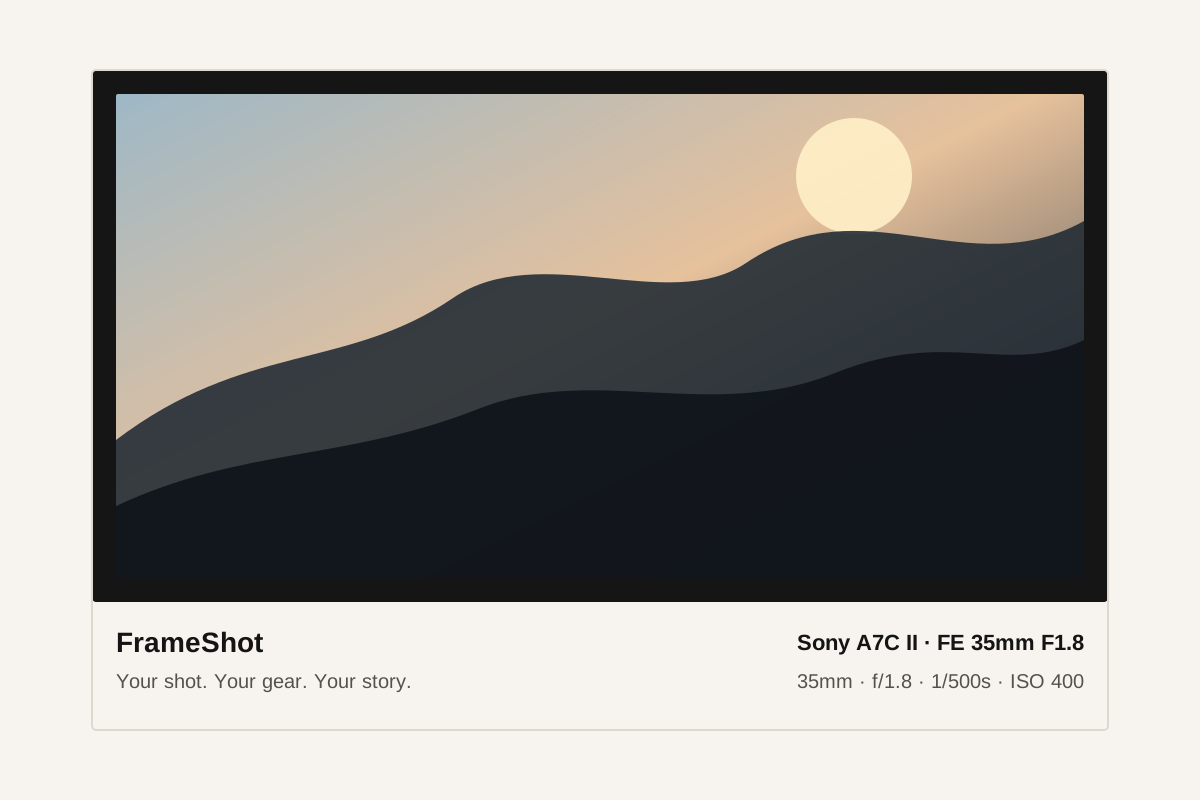
FrameShot focuses on the details photographers actually share: camera, lens, exposure settings, focal length, white balance, and date.
When a style uses location, GPS metadata is read locally and may be converted into a place name in the browser. The result can be edited or removed before export.
The result is a downloadable image that can be posted, archived, or sent without requiring viewers to inspect file metadata.
For most photography posts, the useful metadata is camera body, lens, aperture, shutter speed, ISO, focal length, exposure compensation, white balance, and capture time.
Most EXIF files contain many technical fields that are not helpful for viewers. FrameShot keeps the overlay focused and readable.
Yes, especially when you want to share technical context or create a consistent presentation style.